
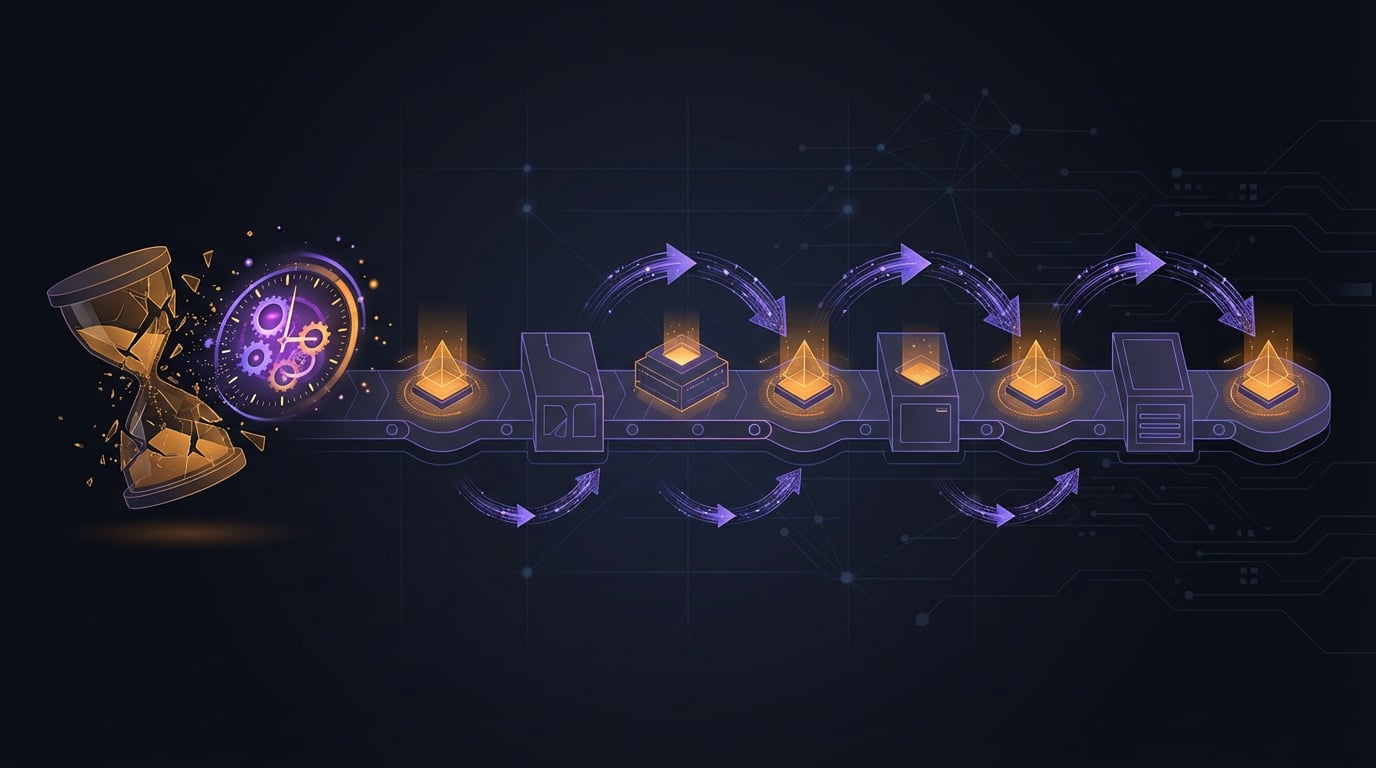
Automating Inquiry Triage with AI
How I built a 9-phase AI pipeline to handle threat intelligence inquiries that used to take a week — and what it taught me about building tools from real pain points.
The Problem
Customer-facing teams send inquiry requests to our threat hunting team regularly. A BU manager from Singapore might ask “Tell us about UNC3886” after a government announcement. A tech support lead might forward 14 IOCs and ask “Do we have coverage for Oyster Backdoor?”
Before I built the pipeline, handling these was entirely manual. You would receive the request, figure out what they are actually asking, search multiple platforms for relevant intelligence, check detection coverage, write up findings, and respond. A single inquiry could take days. Complex ones took a week.
The bigger problem was not just speed — it was consistency. Depending on who handled the inquiry, the depth and structure of the response varied significantly. Some inquiries got thorough analysis; others got a quick reply because the analyst was busy.
Building the Pipeline
The pipeline has 9 phases: intake, OSINT enrichment, IOC merge, URL reputation check, VirusTotal analysis, response generation, full scan completion, visual generation, and wiki publishing.
Each phase feeds into the next. The intake phase parses what the requester is actually asking. OSINT enrichment gathers relevant intelligence from multiple sources. IOC merge deduplicates and normalizes indicators. The response phase generates structured findings. The final phase publishes everything to Confluence with proper formatting.
The key design decision was making each phase independent but composable. If you only need IOC enrichment, you can run just those phases. If you need the full pipeline, it runs end-to-end.
What I Learned
The idea matters more than the code. I could not have designed this without having manually handled dozens of inquiries myself. The pipeline structure mirrors the mental process I followed every time — but that process only became clear through repetition. Generative AI helped with execution, but knowing what to build came from experience.
Structured output is worth the effort. Early versions generated free-form text responses. Switching to structured output — consistent sections, formatted IOC tables, standardized coverage summaries — made the responses immediately usable by the requesting teams.
Automation does not replace judgment. The pipeline generates initial findings and a draft response, but a human analyst still reviews everything before it goes out. The automation handles the tedious parts (gathering, deduplicating, formatting), freeing up the analyst to focus on analysis and context that requires expertise.
Impact
What used to take a week now produces initial findings the same day. New team members can handle inquiries that previously required senior analysts because the pipeline provides structure and guidance. The consistent format means requesters know exactly what to expect.
The tool was adopted team-wide, which was the real validation. Building something is one thing — having your colleagues actually use it every day is another.
Related Posts
MCP Servers for Threat Intelligence
How I set up Model Context Protocol servers to bridge AI assistants with threat intelligence platforms — and what I learned about tool design along the way.
From OSINT to Internal Hunting
How shifting from external OSINT to internal telemetry hunting changed the way I approach threat research — and where most of my published work actually comes from.
What Ransomware Hunting Actually Looks Like
The daily reality of proactive ransomware hunting — from YARA triggers and VirusTotal dashboards to naming new families and building attack chains from telemetry.